Shops
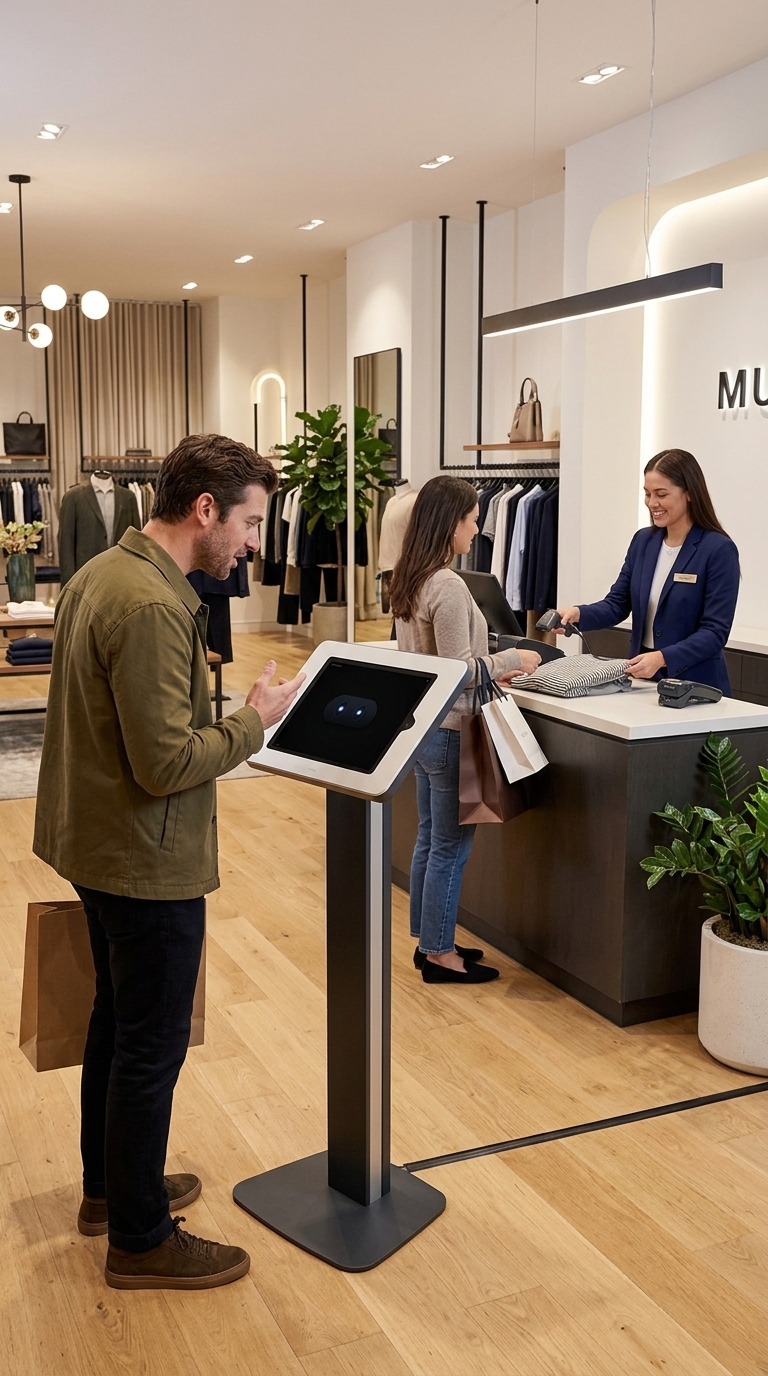
Support shoppers on every aisle: where things are, what you carry and when you close.
Customer
Where are the souvenirs?
Kioskly
Souvenirs are near the exit, next to the postcards.
 Kioskly AI
AI receptionist for iPhone and iPad
Kioskly AI turns an iPhone or iPad into a digital concierge for your front desk. Teach it your business once, and it answers customers out loud, in their language, using only what you taught it.
Customer
Where can I find olive oil?
Kioskly
Go to aisle 4. Olive oil is on the left, next to the vinegar.
Employee Mode · Grocery store
Built for
And cafés, salons, pharmacies, gyms and info desks: anywhere customers walk up and ask the same questions all day. Kioskly AI takes those questions, so your team can look after the people who need a person.
Support shoppers on every aisle: where things are, what you carry and when you close.
Customer
Where are the souvenirs?
Kioskly
Souvenirs are near the exit, next to the postcards.
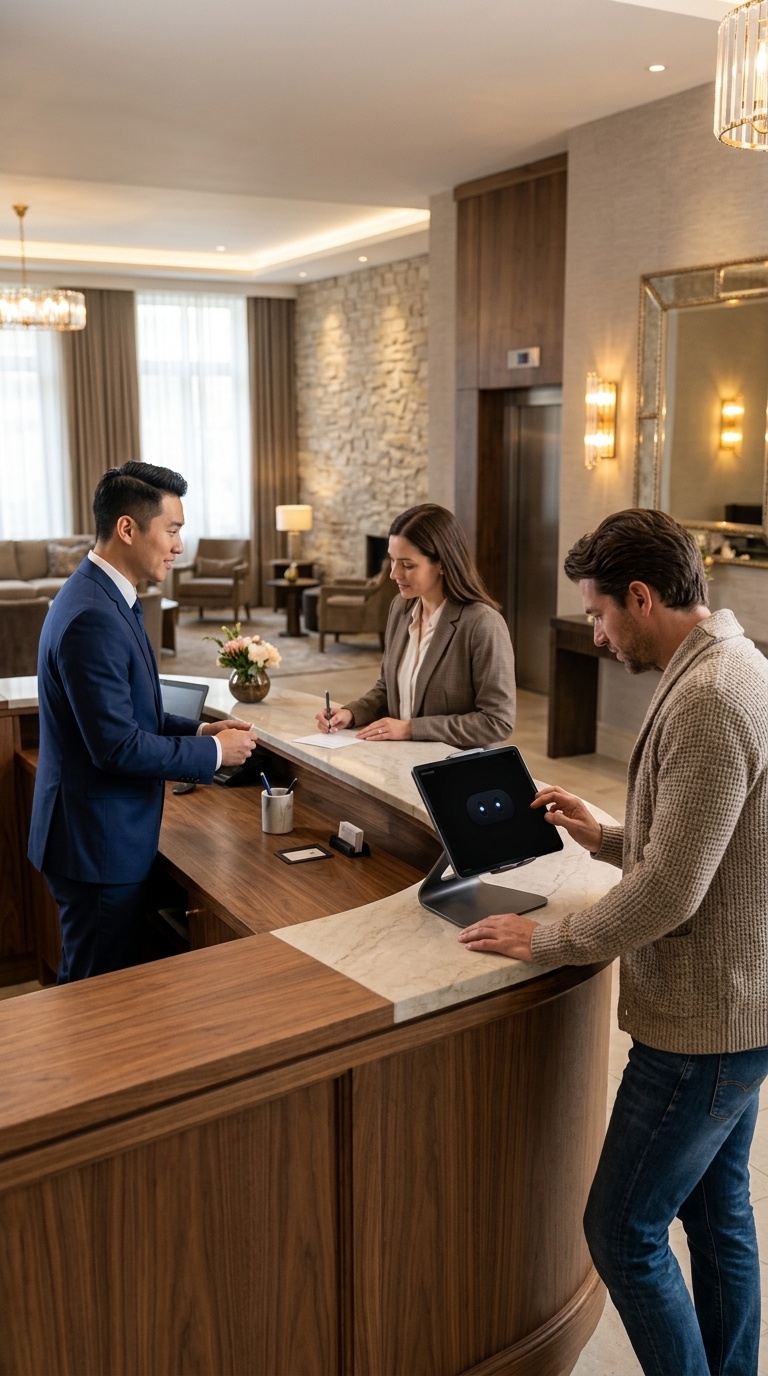
A digital concierge in the lobby for breakfast times, Wi-Fi, parking and check-out.
Customer
What time is breakfast?
Kioskly
Breakfast starts at 7AM, in the restaurant on the ground floor.
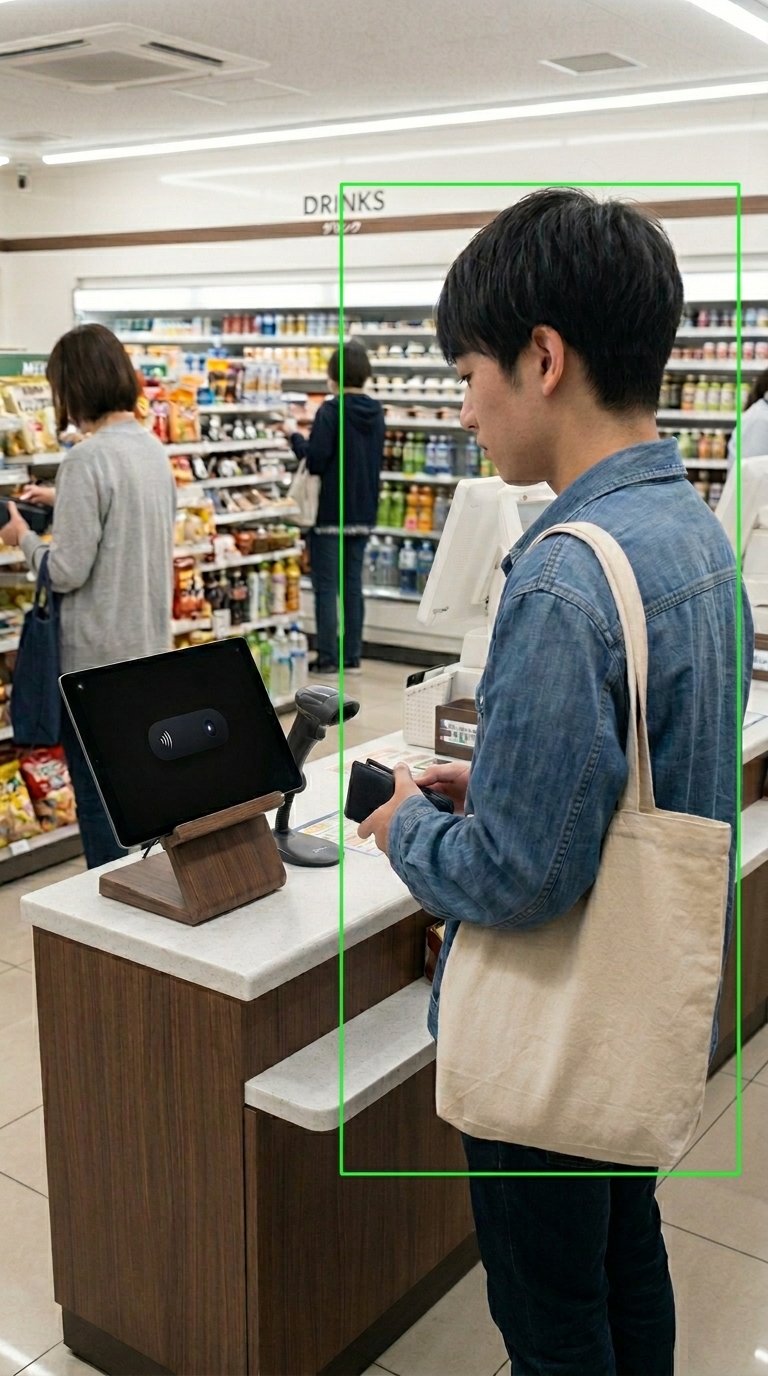
Answers the door and the counter while your servers stay with their tables.
Customer
What time does the kitchen close?
Kioskly
The kitchen closes at 10 PM, and the bar stays open until midnight.
How it works
Setup takes about three minutes. Type or talk, whichever is easier, and stop whenever you like.
Store, hotel, restaurant, café, pharmacy, salon, gym or something else. Each type comes with its own ground rules.
Answer a few questions about your hours, payment and parking, then add your website, menus, price lists or photos.
The first thing customers hear when they walk up. It's translated into every language Kioskly AI speaks.
Stand the iPhone or iPad at your counter. Kioskly AI says hello, listens and answers out loud.
Your business. Your knowledge.
Prices, stock, hours and policies come only from what you add. If a customer asks something you haven't covered, Kioskly AI says so and points them to your staff instead of guessing.
Every question it couldn't answer lands on your home screen. Add the answer once, and the next customer gets it.
Every language. Every customer.
Choose the language your assistant speaks. With Premium, customers tap Change Language on the screen and pick theirs: Kioskly AI greets them, listens and answers in it, then switches back for the next person.
Customer
¿Dónde están los baños?
Kioskly
Los baños están al fondo, a la derecha.
Change Language · Español
Your digital assistant
Leave it plugged in at the counter, in the lobby or by the door. It keeps answering through the lunch rush, the late check-in and the shift change.
Customers just ask. Kioskly AI replies in a sentence or two, spoken and shown on screen, completely hands-free.
With autodetect on, the front camera spots a customer and Kioskly AI says hello first. The video stays on the device. Or let customers tap to start.
From Spanish and French to Japanese, Arabic and Hindi. With Premium, customers switch language with one tap.
Allergy, medical, booking and billing questions go to your staff. It won't guess a price you never recorded.
See how many customers it helped and which questions it couldn't answer, then fill the gaps in seconds.
Use a spare device on a stand. No kiosk hardware to buy, no install visit, nothing to wire up.
See it at work
FAQ
Kioskly AI is an AI receptionist app for iPhone and iPad. You teach it about your business once, stand the device at your counter or front desk, and it greets customers and answers their questions out loud, using only the information you gave it.
Shops, hotels, restaurants, cafés, pharmacies, salons and gyms, and also showrooms, museums, reception areas and info desks: anywhere customers walk up and ask the same questions. You pick your business type during setup, and Kioskly AI follows the ground rules for it.
Only from what you add: your answers to the setup questions, your website, files like menus and price lists (PDF, Word or Excel), photos of signs or boards, and notes in your own words. It can explain something you've recorded, but it won't assume you sell, stock or offer anything you haven't mentioned.
It tells the customer it doesn't have that information and points them to your staff. The question is saved for you, so you can add the answer once and the next customer gets it.
25, including English, Spanish, French, German, Chinese, Japanese, Arabic and Hindi. You choose the language it speaks by default. With Premium, customers can tap Change Language on the screen to be greeted and answered in theirs.
No. Kioskly AI runs on iPhone and iPad with iOS 26 or later. An iPad on a stand is easier for customers to see from a distance; an iPhone works well on a small counter.
It's free to download, and you can set it up and try it with real customers for free. Premium unlocks unlimited customer answers, lets customers switch language on the screen, and turns on autodetect.
No. It takes the repeat questions, like opening hours, directions, Wi-Fi and the prices you've recorded, so your team has time for the customers who need a person. Anything that needs a person, it sends back to your staff.
To write a reply, the customer's question as text and your business information go to a third-party AI service, only after you agree to it in the app. Spoken questions are turned into text on the device where iOS supports it, and autodetect video stays on the device. The privacy policy has the details.
Get Kioskly AI
Download it on a spare iPhone or iPad, teach it your business, and stand it where customers walk in.
Download on theApp StoreFree to try · Premium for unlimited answers · iOS 26 or later